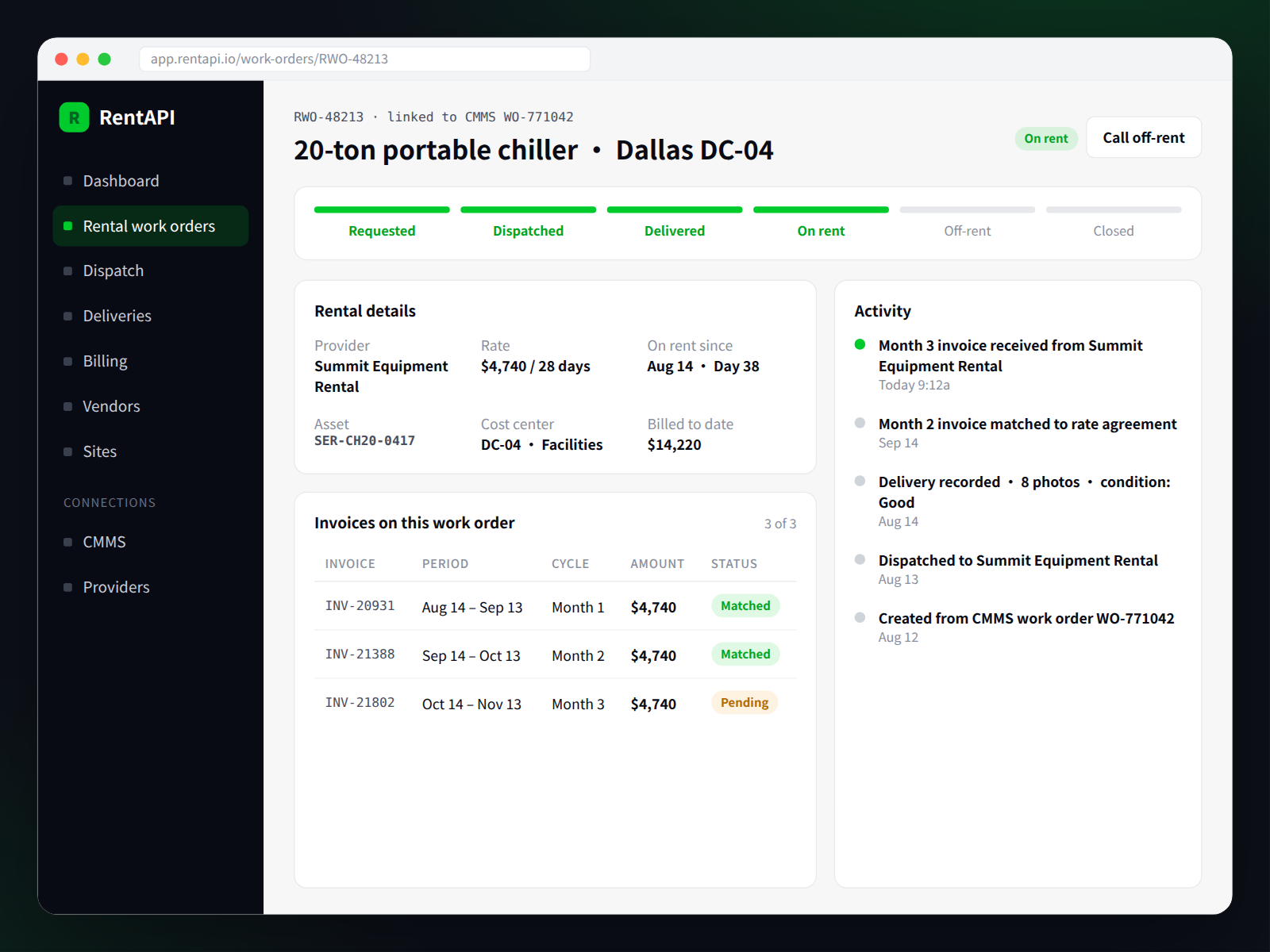
Dispatch, Document, and Bill in One Connected Workflow
From request to final invoice, every rental runs on one shared work order that connects your CMMS, your rental providers, and your AP team.
How It Works
From rental request to final invoice in four steps
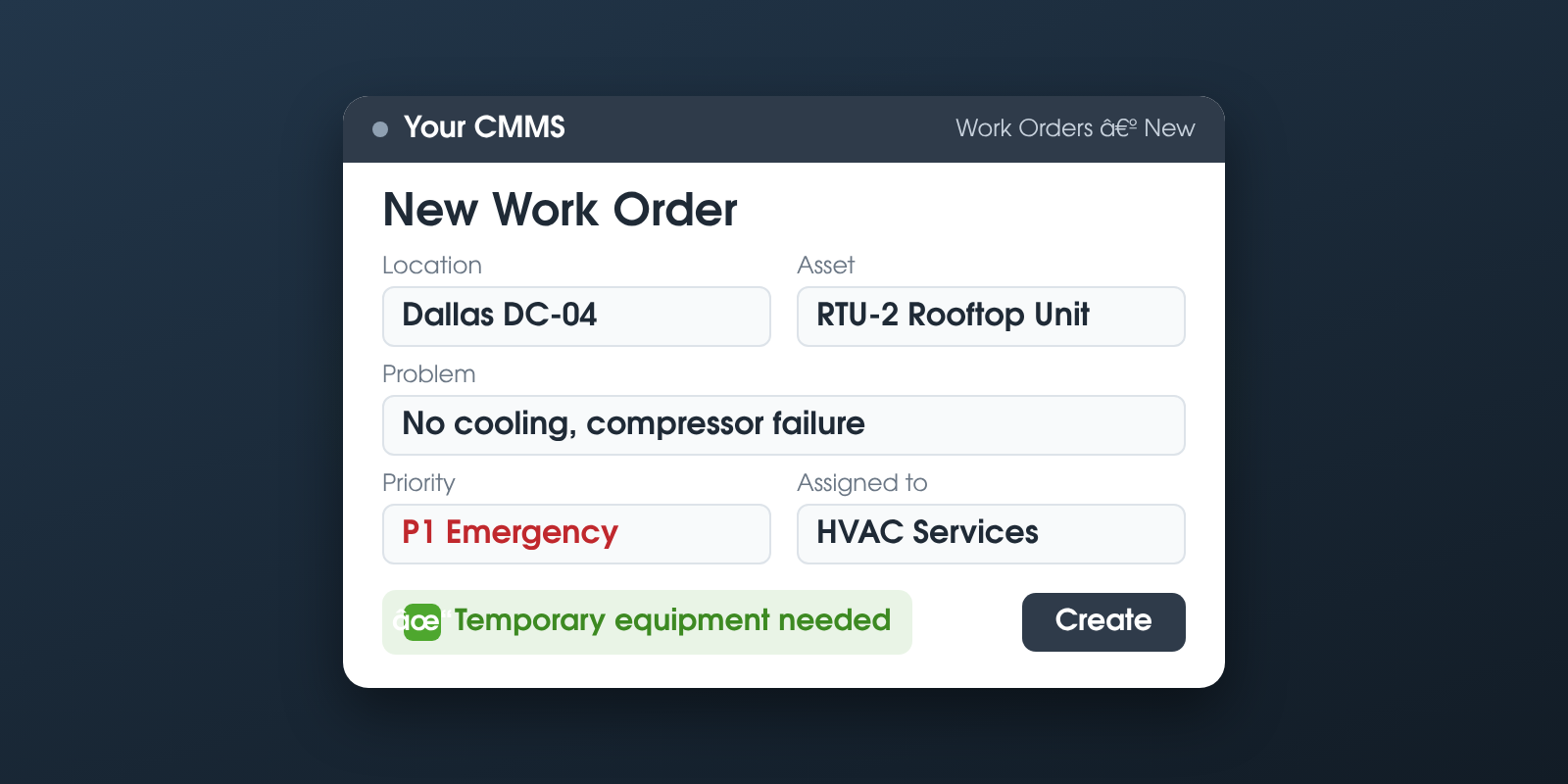
Request
A facility team opens a rental request from the CMMS they already use. RentAPI adds the rental-specific details the CMMS doesn't have fields for.
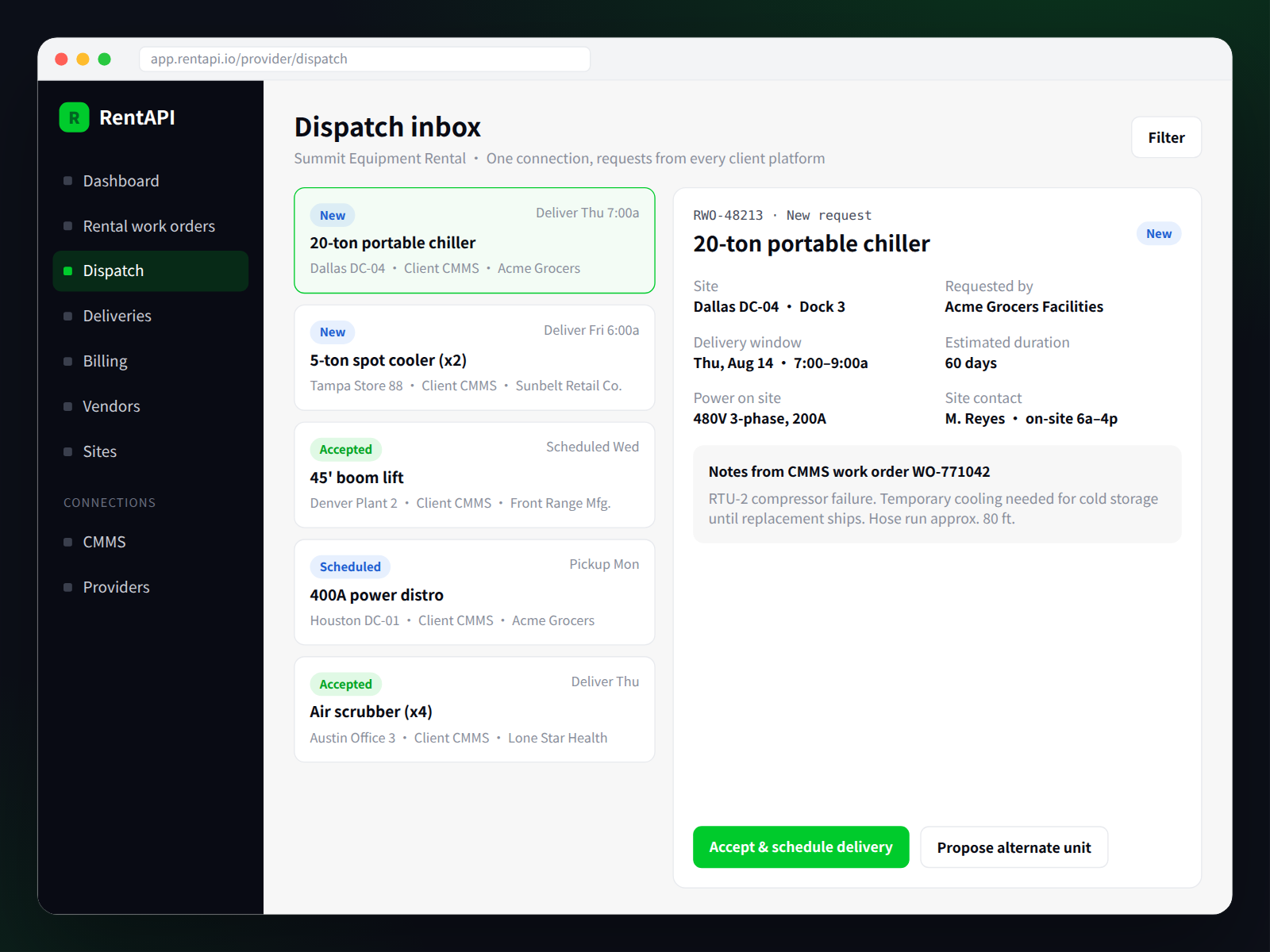
Dispatch
The request reaches the rental provider as structured data: site, equipment, and schedule. No phone tag and no re-keying.
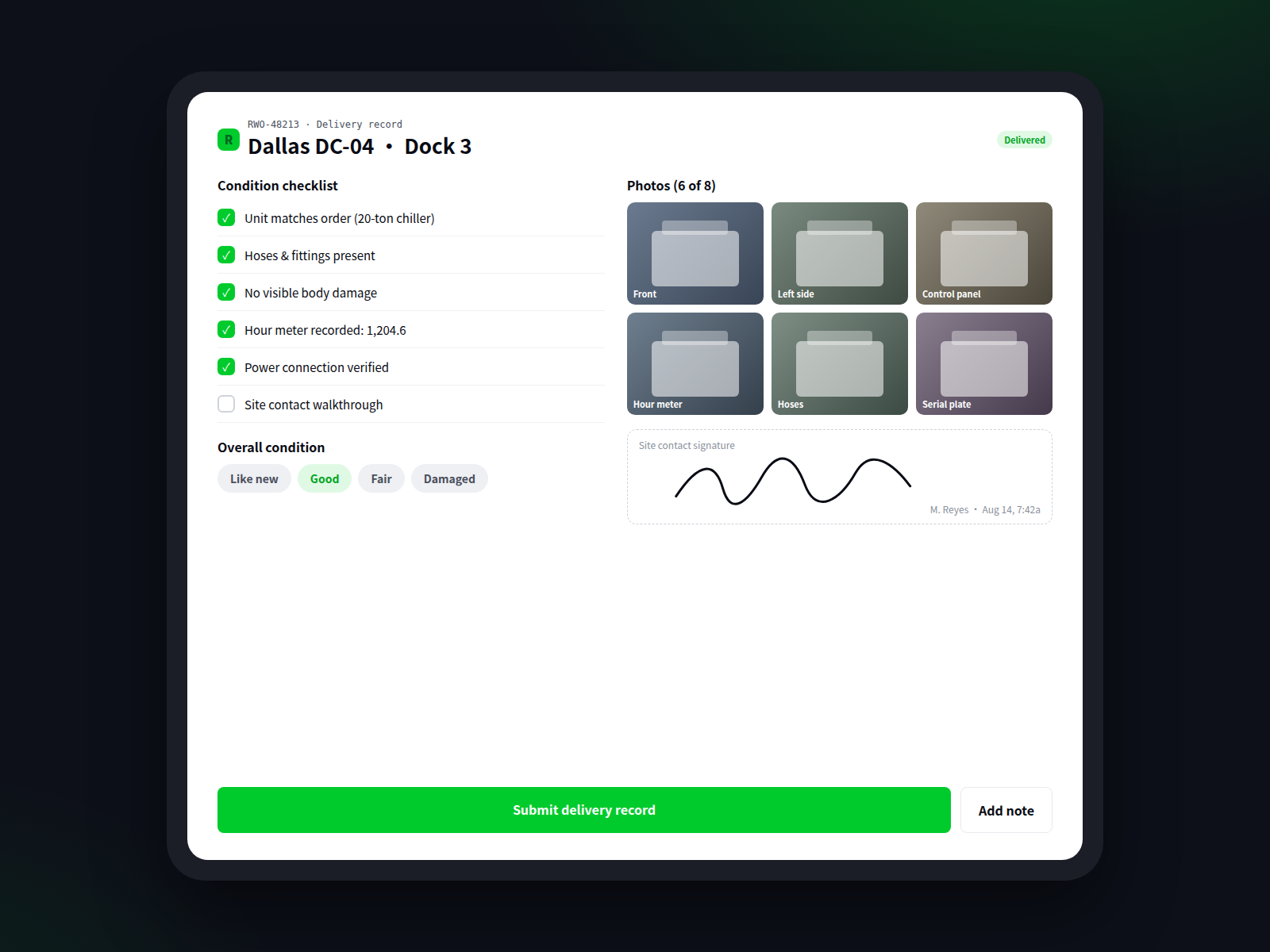
Deliver and Document
At delivery, the provider's technician records delivery, install, and equipment condition, so both sides share a record from day one.
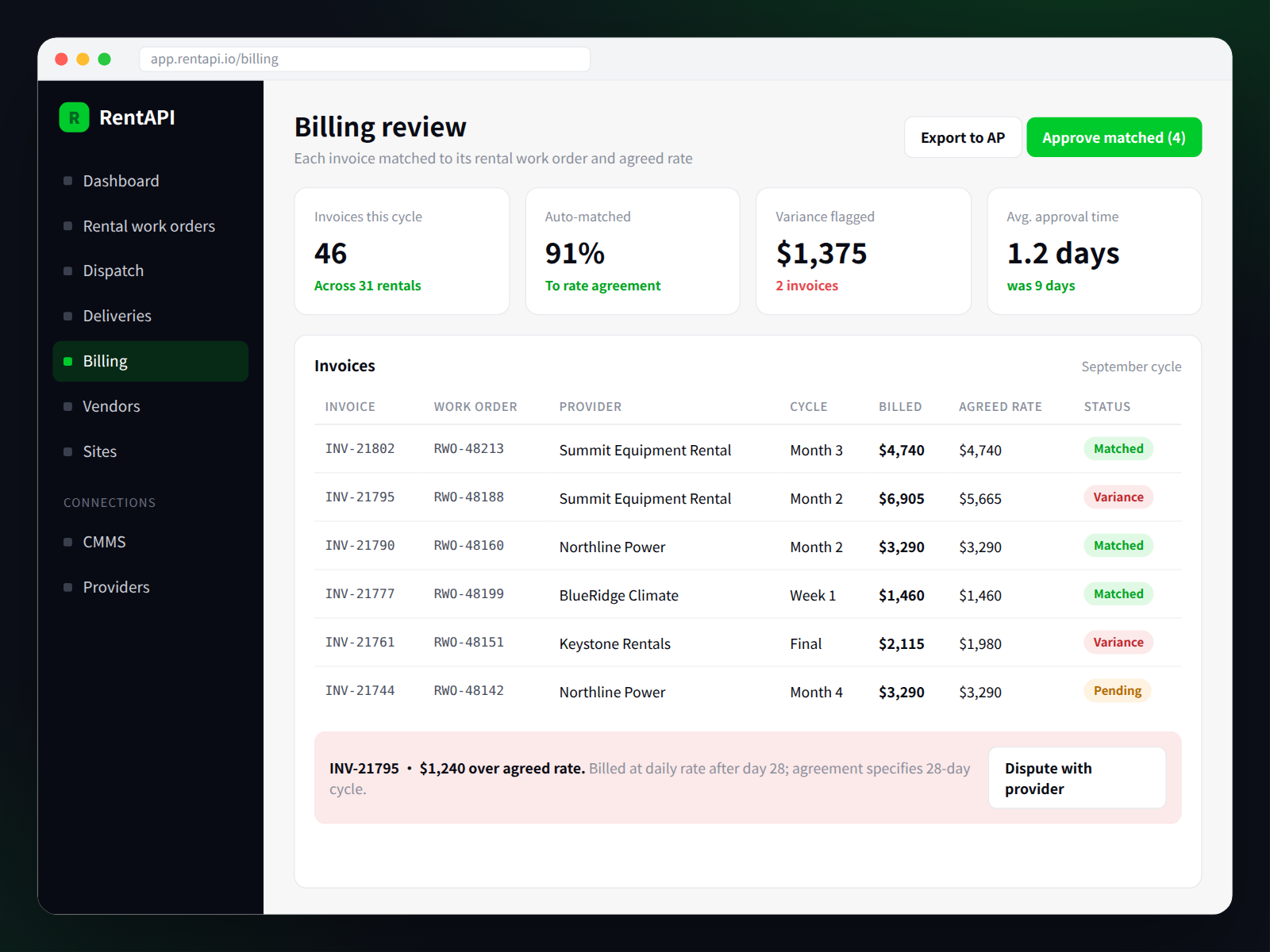
Bill and Close
Invoices for a long-running rental are tracked against the same work order, and status flows back to the CMMS so the record stays complete through close-out.
Keep Every Rental on One Work Order
Request, dispatch, delivery record, and invoices in one connected workflow, from the first call to the final invoice.